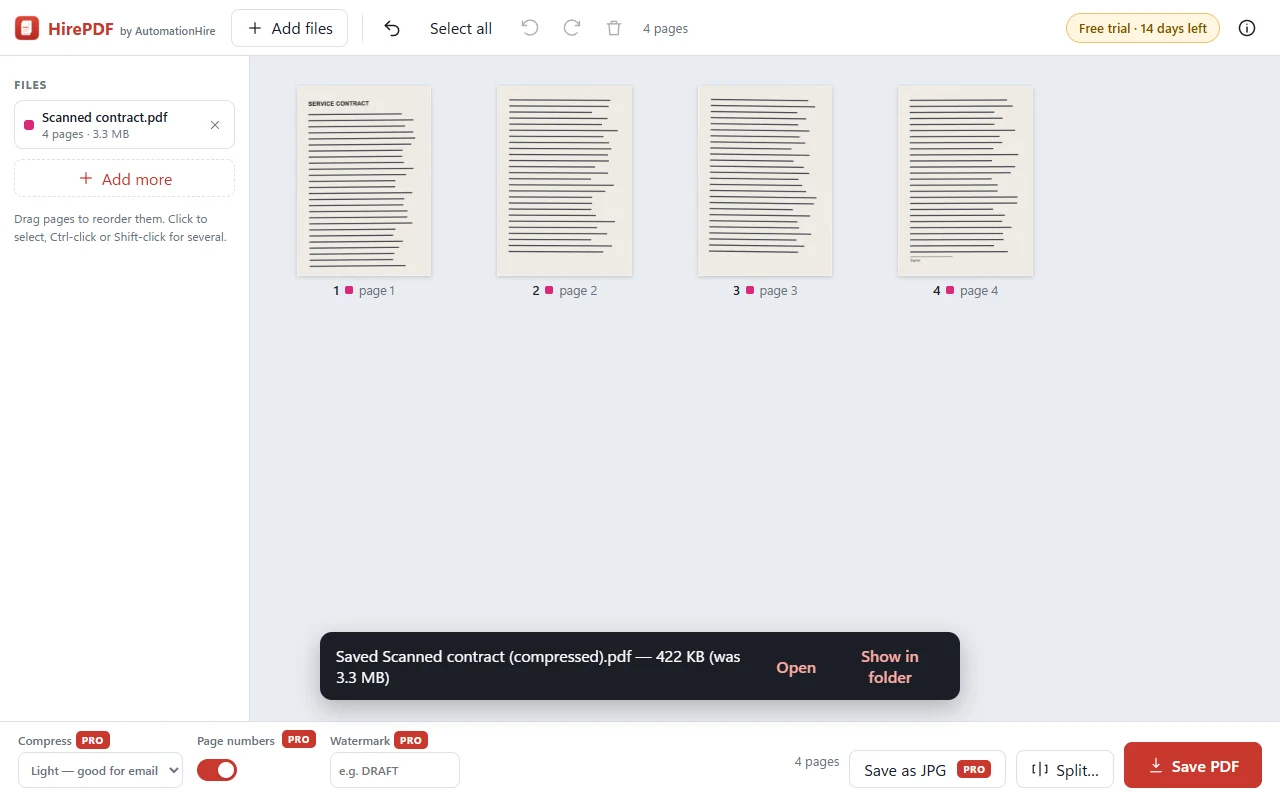
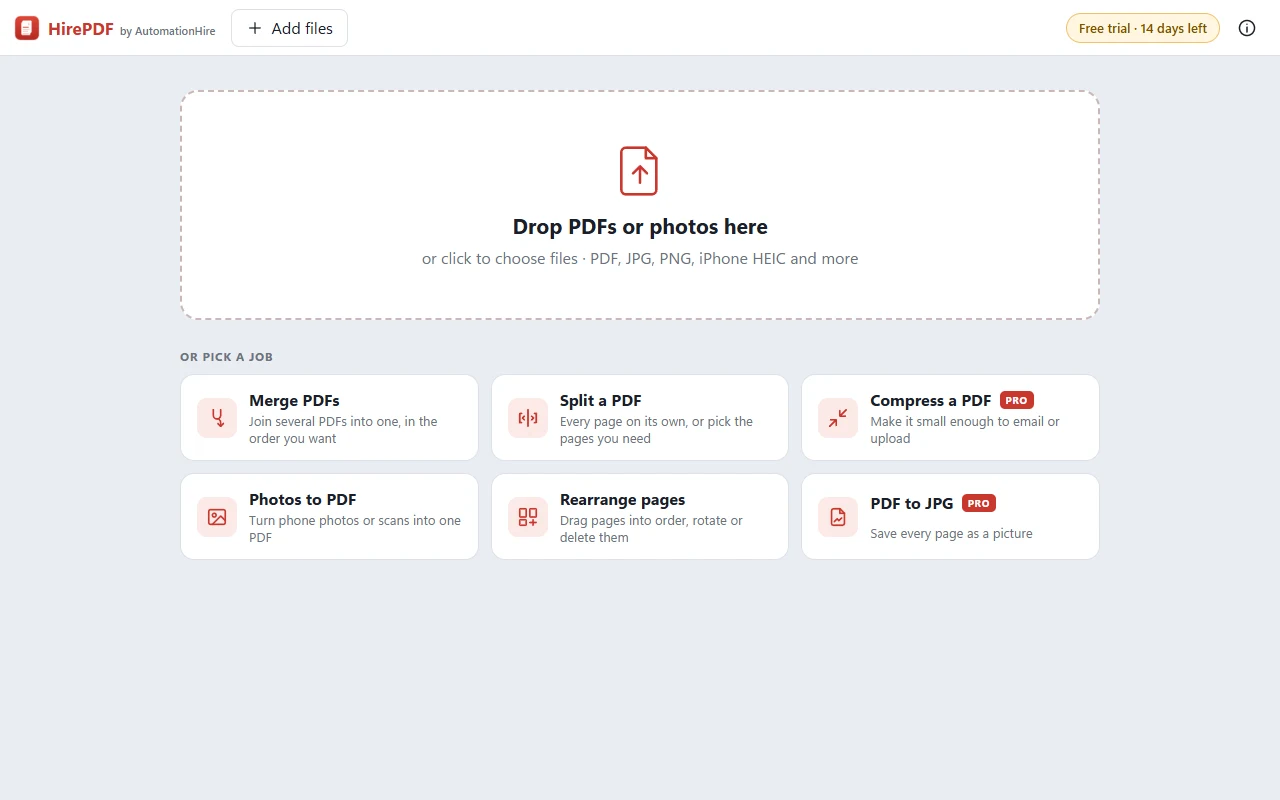
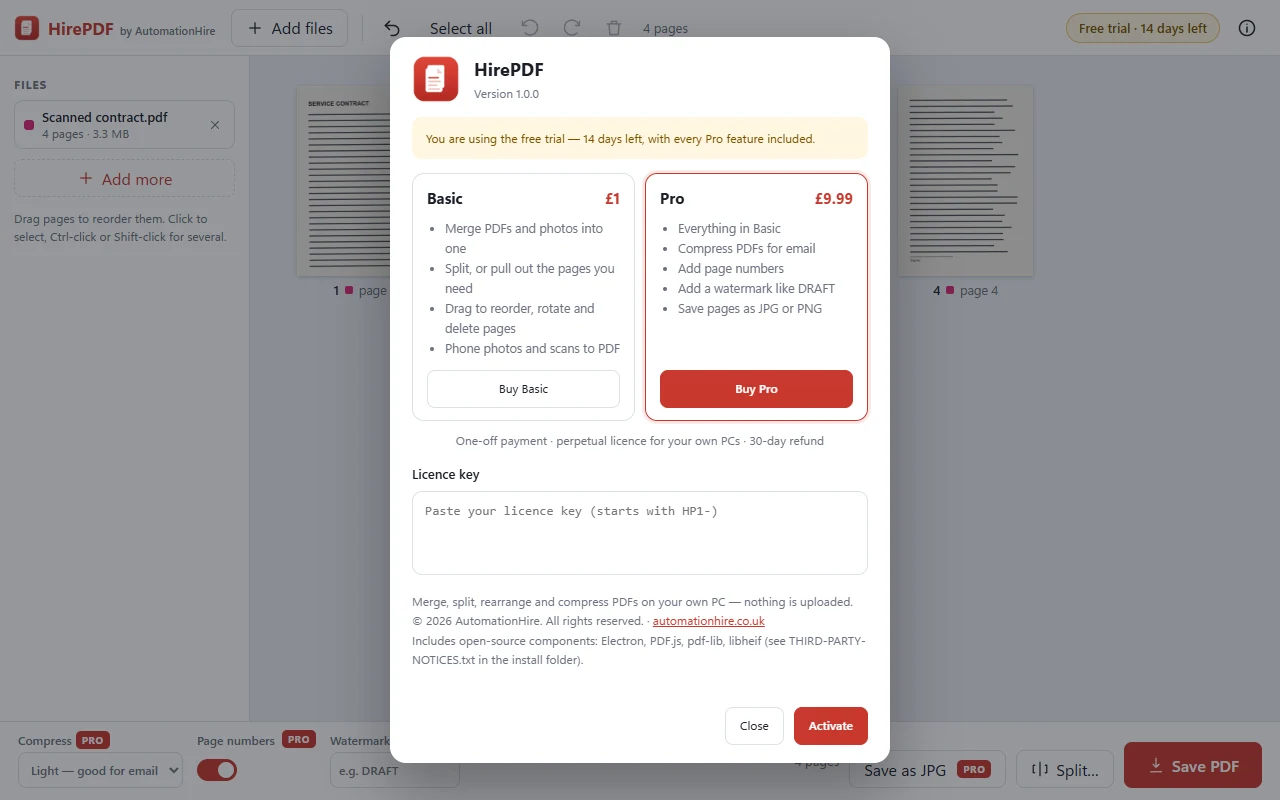
"Attachment too large" no more. HirePDF Pro shrinks scanned and photo-heavy PDFs so they email and upload, adds page numbers and watermarks like DRAFT, and saves pages as pictures. Plus everything in HirePDF: merge, split, rearrange and photos to PDF.
Paste the licence key from your HirePDF purchase page and you only pay the difference.
Upgrade to Pro — £8.99 →


| Feature | HirePDF · £1 | HirePDF Pro · £9.99 |
|---|---|---|
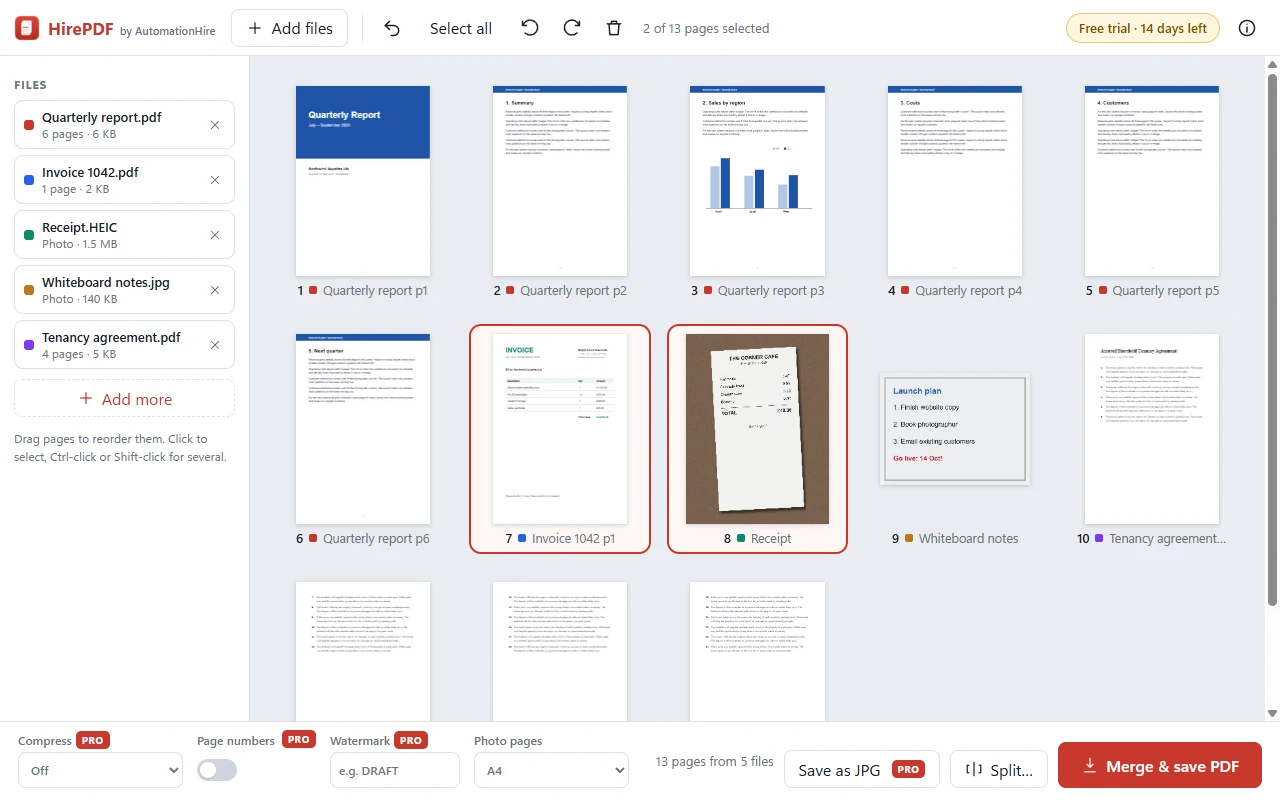
| Merge PDFs (and photos) into one | ✓ | ✓ |
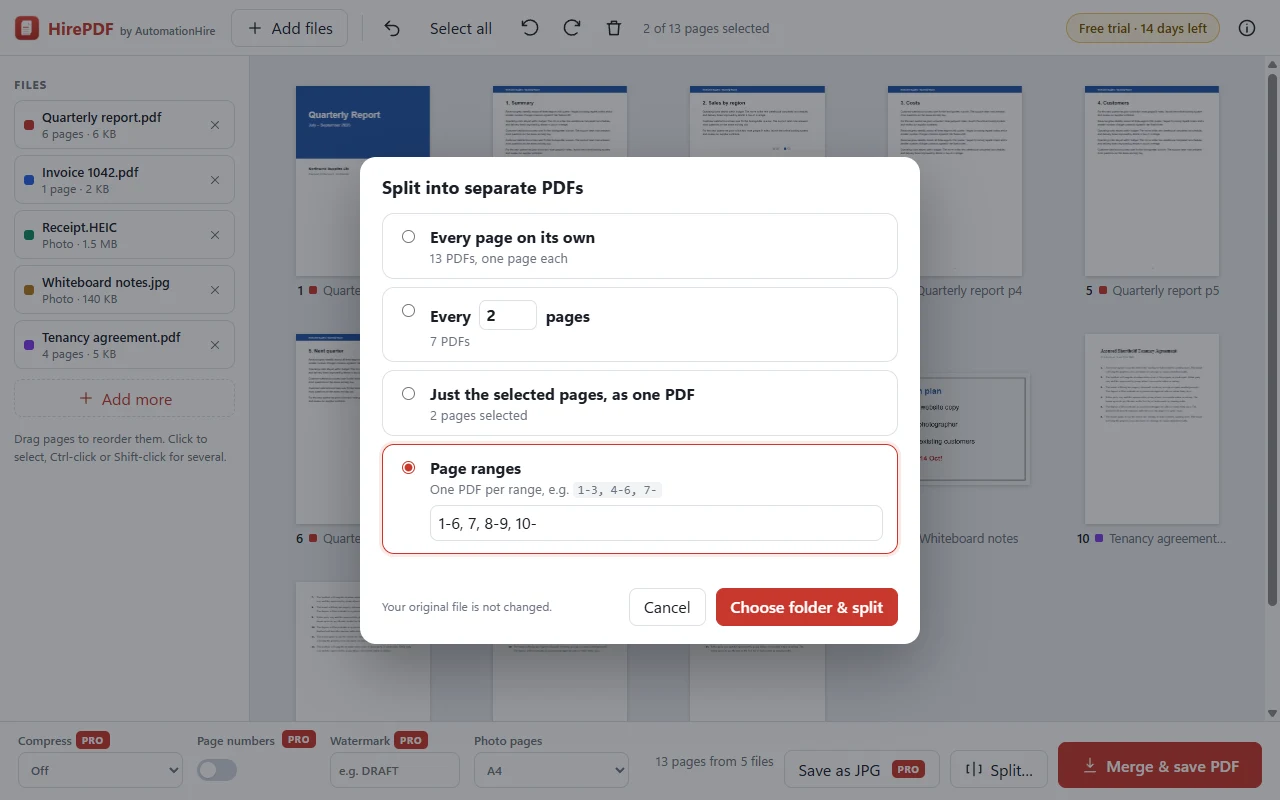
| Split: every page, every N pages, selected pages or ranges | ✓ | ✓ |
| Drag pages into order, rotate and delete them, with undo | ✓ | ✓ |
| Photos and scans to PDF, including iPhone HEIC | ✓ | ✓ |
| Right-click "Open in HirePDF" | ✓ | ✓ |
| Compress PDFs for email or uploading | 14-day trial | ✓ |
| Add page numbers | 14-day trial | ✓ |
| Add a watermark such as DRAFT or COPY | 14-day trial | ✓ |
| Save pages as JPG or PNG pictures | 14-day trial | ✓ |
Every HirePDF download includes the Pro features free for 14 days. After that, £1 owners keep everything in the first column, and can upgrade to Pro for £8.99 with the box at the top of this page. Same app: your Pro key simply unlocks the extra features.
HirePDF was built by Claude Code for AutomationHire, reusing the PDF engine from HireSign. Claude then drove the real app like a user would: dragging pages around, splitting, merging PDFs with phone photos, compressing scans and opening every result to check it. It caught and fixed bugs along the way, including photos being skipped by compression and page numbers landing sideways on rotated pages. It's a working example of what AutomationHire builds for businesses.
| System | Windows 10 or 11, 64-bit |
|---|---|
| Download | HirePDF-Setup-1.0.0.exe — about 115 MB, installs for your user account (no admin needed). HirePDF and HirePDF Pro use the same installer; your key decides the edition |
| Opens | PDFs, plus photos and scans: JPG, PNG, WebP, BMP, GIF and iPhone HEIC. No Adobe Acrobat needed |
| Privacy | Everything happens on your PC. Documents are never uploaded, there's no account, and it works offline |
| Your files | HirePDF always saves a new file. Your originals are never changed |
| Licence | Perpetual, for your own PCs. Personal or commercial use |
No — paste your HirePDF licence key into the upgrade box at the top of this page and Pro costs £8.99, the difference. You get a new Pro key; paste it into HirePDF and the Pro features unlock straight away.
It depends what's inside. Scans and PDFs full of photos usually shrink a lot — often to a tenth of the size. PDFs that are mostly text are already small, so they won't change much. Light keeps photos looking good for email; Strong makes the smallest file.
No. Unlike online PDF websites, HirePDF runs entirely on your PC. Your contracts, bank statements and IDs never leave it, there's no file-size limit, and there's no account to create.
No. HirePDF always saves a new file, for example Report (merged).pdf or Contract - pages 1-3.pdf, and never overwrites an existing file.
Not yet. If a PDF is locked, HirePDF tells you so — remove the password in the program that made it, then add it again.
Windows only for now. Tell us if you'd like a Mac version.
If HirePDF doesn't install or work as described on Windows 10/11, email hello@automationhire.co.uk within 30 days for a full refund.
HirePDF uses Electron, PDF.js, pdf-lib and libheif. Their licences are in THIRD-PARTY-NOTICES.txt in HirePDF's install folder.