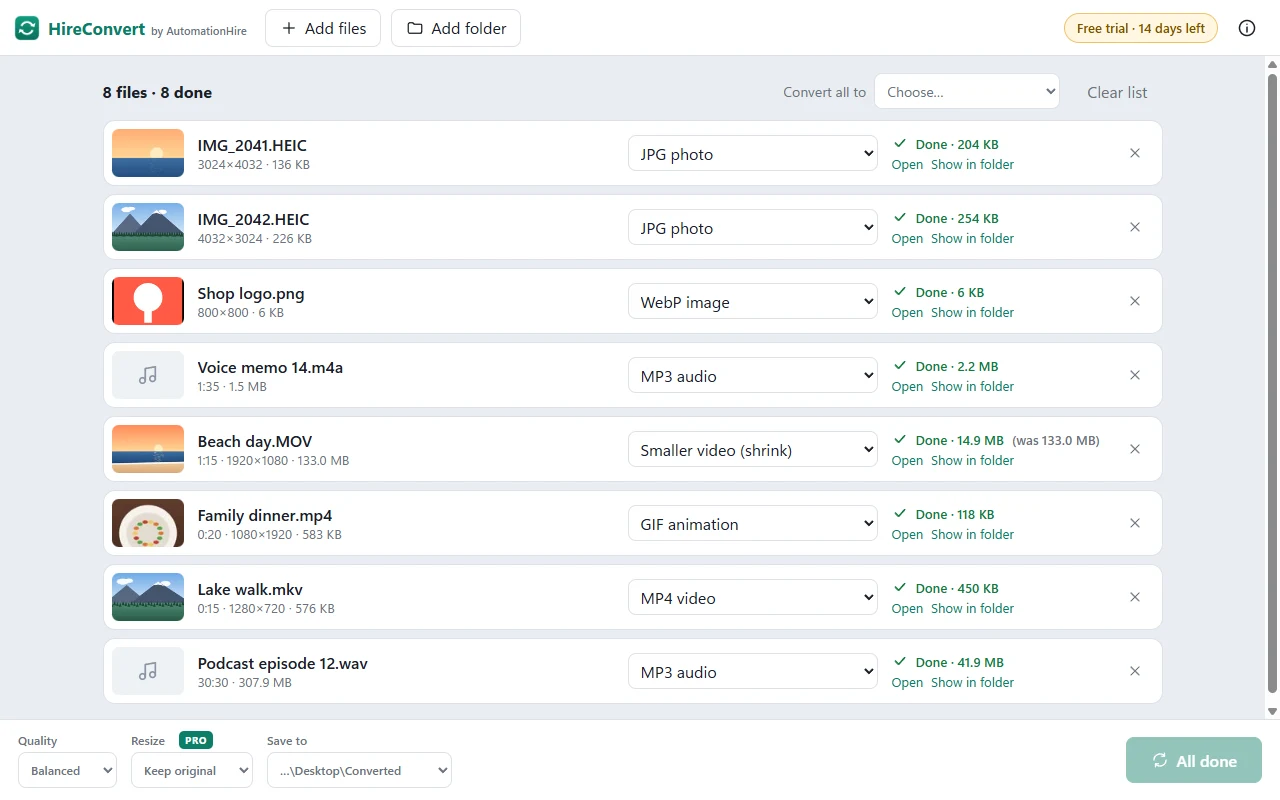
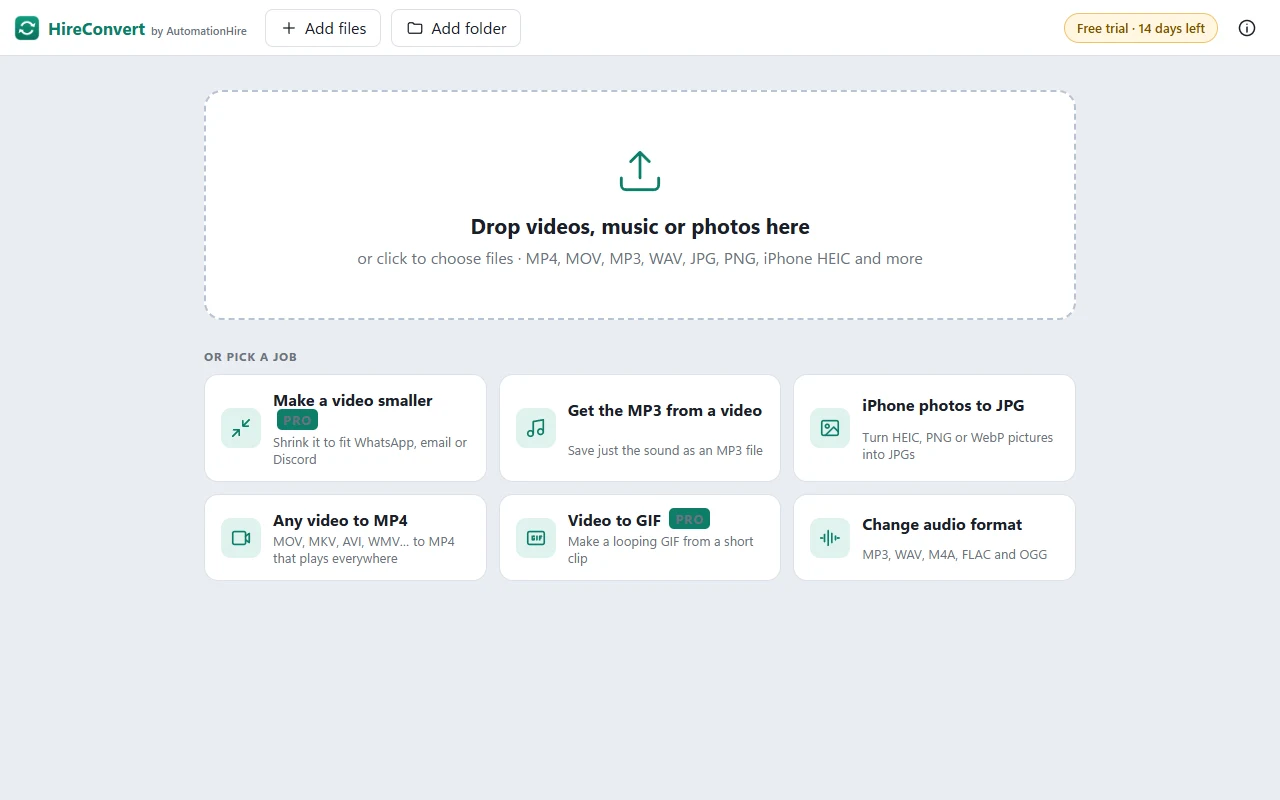
Drop in videos, music or photos and get the format you need. MOV to MP4, the MP3 from a video, iPhone HEIC photos to JPG — one file or a whole folder. No uploading to dodgy websites, no size limits, no watermarks.


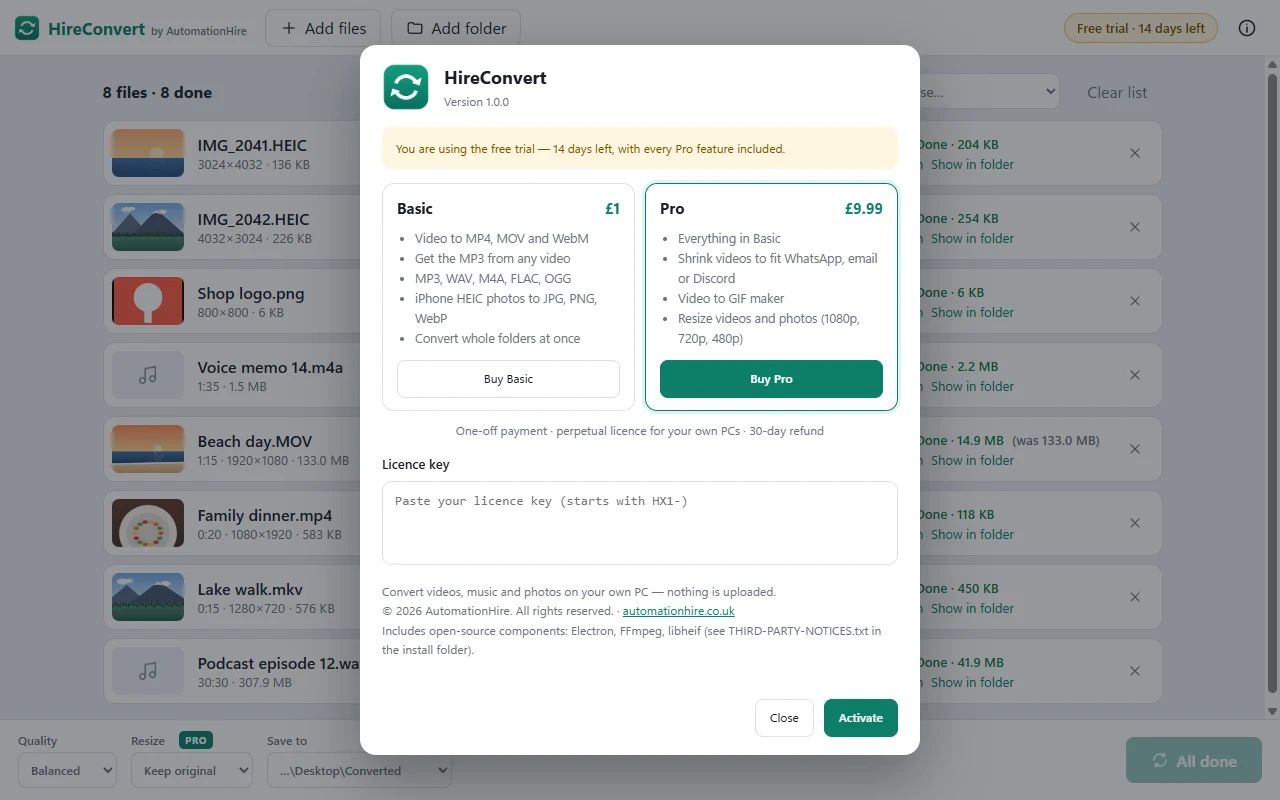
| Feature | HireConvert · £1 | HireConvert Pro · £9.99 |
|---|---|---|
| Any video to MP4, MOV or WebM | ✓ | ✓ |
| Get the MP3 (or M4A, WAV) from a video | ✓ | ✓ |
| Audio between MP3, M4A, WAV, FLAC and OGG | ✓ | ✓ |
| iPhone HEIC photos to JPG, PNG or WebP | ✓ | ✓ |
| Whole folders at once, right-click to convert | ✓ | ✓ |
| Quality: best, balanced or smaller file | ✓ | ✓ |
| Shrink a video to fit WhatsApp, email or Discord | 14-day trial | ✓ |
| Turn a video into a GIF | 14-day trial | ✓ |
| Resize videos and photos (1080p, 720p, 480p) | 14-day trial | ✓ |
Every HireConvert download includes the Pro features free for 14 days. After that, £1 owners keep everything in the first column, and can upgrade to Pro for £8.99 at any time.
| Videos in | MP4, MOV (iPhone), MKV, AVI, WMV, WebM, M4V, 3GP, MPG, TS/MTS, GIF |
|---|---|
| Videos out | MP4 (plays everywhere), MOV, WebM — plus Pro: smaller MP4 to a size you choose, and GIF |
| Audio in | MP3, WAV, M4A, AAC, FLAC, OGG, Opus, WMA, AIFF, AMR — or the sound from any video |
| Audio out | MP3, M4A, WAV, FLAC (lossless), OGG |
| Photos in | iPhone HEIC/HEIF, JPG, PNG, WebP, BMP, TIFF |
| Photos out | JPG, PNG, WebP — see-through PNGs get a white background in JPG, phone photos stay the right way up |
HireConvert was built by Claude Code for AutomationHire. Claude wrote the app, then drove it like a user to test it: converting dozens of real video, audio and photo files, shrinking videos to WhatsApp size, and checking every result. It caught and fixed bugs along the way, including iPhone photos coming out sideways and a video setting that could make a conversion hang. It's a working example of what AutomationHire builds for businesses.
| System | Windows 10 or 11, 64-bit |
|---|---|
| Download | HireConvert-Setup-1.0.0.exe — about 150 MB, installs for your user account (no admin needed). HireConvert and HireConvert Pro use the same installer; your key decides the edition |
| Privacy | Everything happens on your PC. Files are never uploaded, there's no account, and it works offline |
| Your files | Converted copies are saved next to the originals (or a folder you choose). Originals are never changed |
| Licence | Perpetual, for your own PCs. Personal or commercial use |
Yes — one payment, no subscription, no account, no adverts, no watermarks. You also get the Pro features free for your first 14 days.
HireConvert keeps working with everything in the £1 edition: video, audio and photo conversions, video to MP3 and iPhone photos. Shrinking videos to a size, GIFs and resizing need Pro, which is £8.99 for £1 owners.
No. Unlike online converters, HireConvert runs entirely on your PC. Your videos and photos never leave it, there's no file-size limit, and there's no account to create.
No. HireConvert always saves a new file, for example Holiday.mp4 next to Holiday.MOV. If a file with that name already exists, it adds a number instead of overwriting it.
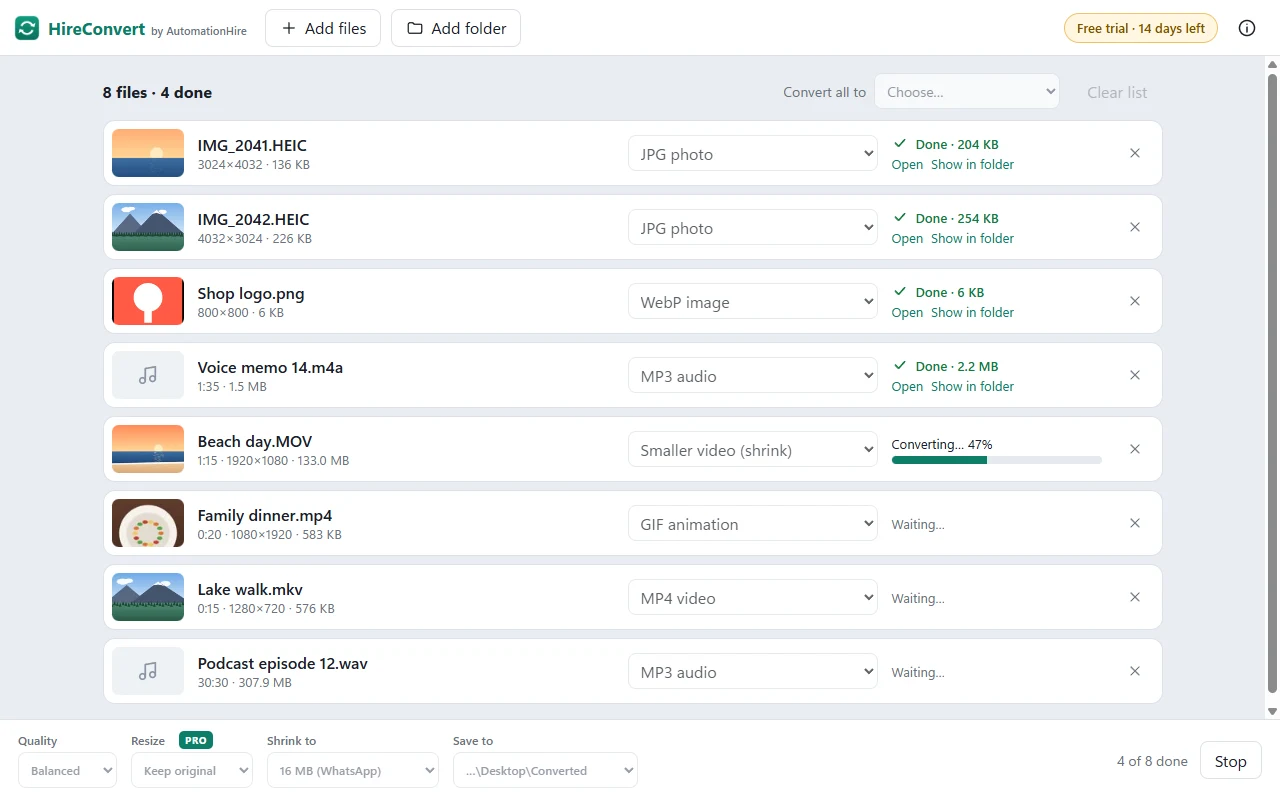
Yes. Drop in as many files as you like, or a whole folder, and pick "Convert all to". HireConvert works through them one by one and shows each one's progress.
Windows only for now. Tell us if you'd like a Mac version.
If HireConvert doesn't install or work as described on Windows 10/11, email hello@automationhire.co.uk within 30 days for a full refund.
HireConvert uses Electron, FFmpeg and libheif. Their licences, and where to get FFmpeg's source code, are in THIRD-PARTY-NOTICES.txt in HireConvert's install folder.