Windows 10 / 11 · Version 1.2
 HireCast
Record your screen with your computer's sound and your voice, then turn it into a video people actually want to watch — auto-zoom on every click, AI captions, transitions, and export for YouTube or TikTok.
£1one-off · perpetual licence · no subscription
Buy — £1 →
🎁 Goes free for everyone when our YouTube channel hits 10,000 subscribers. £1 now gets it today — and supports the next app.
📷 Want your face in the video? HireCast Pro adds a webcam bubble, camera-only recording, MP3 conversion and song-to-text — £9.99, or £8.99 if you've bought HireCast.
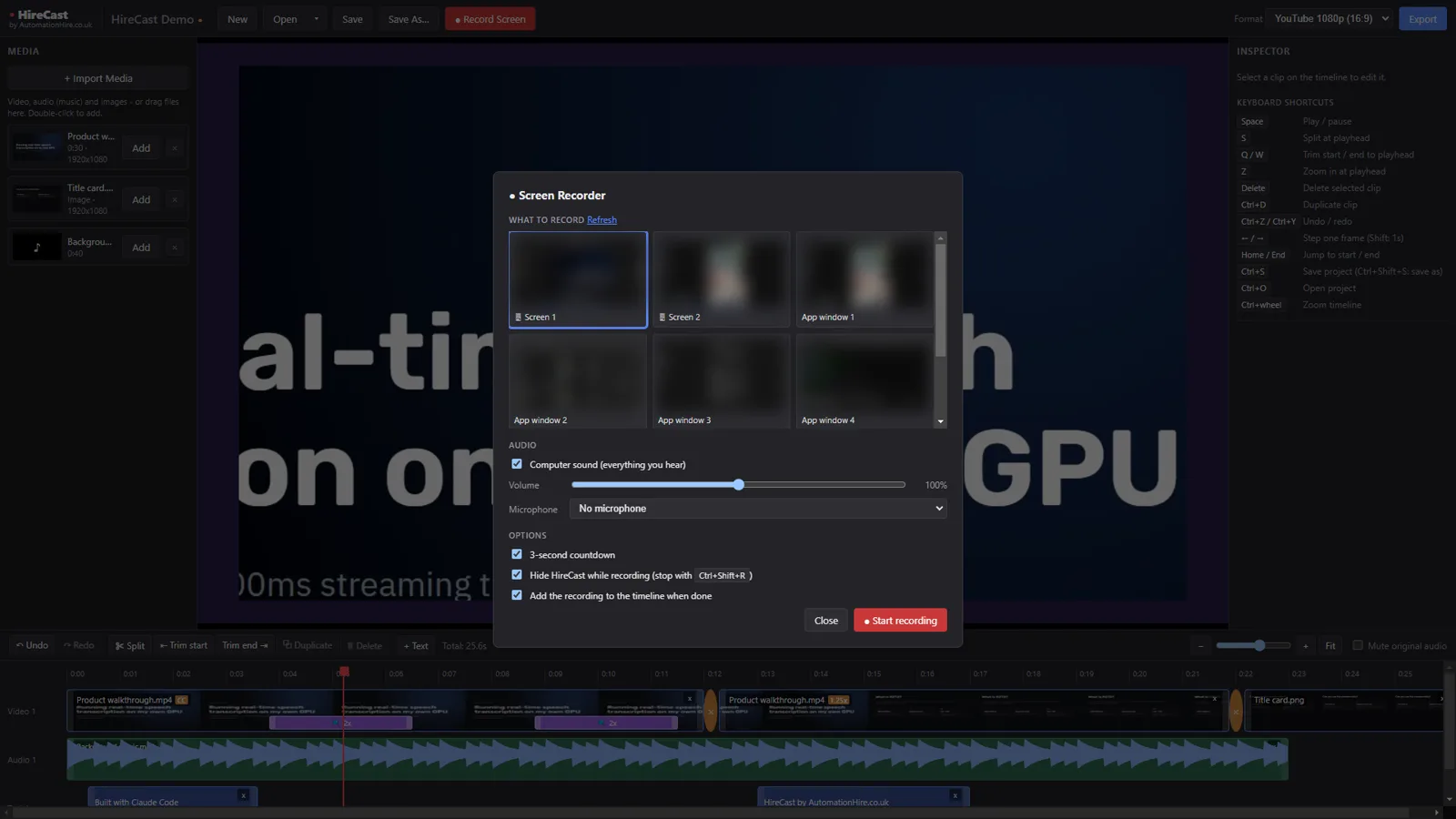
Screen recorderAny screen or window, computer sound + your microphone, live level meters
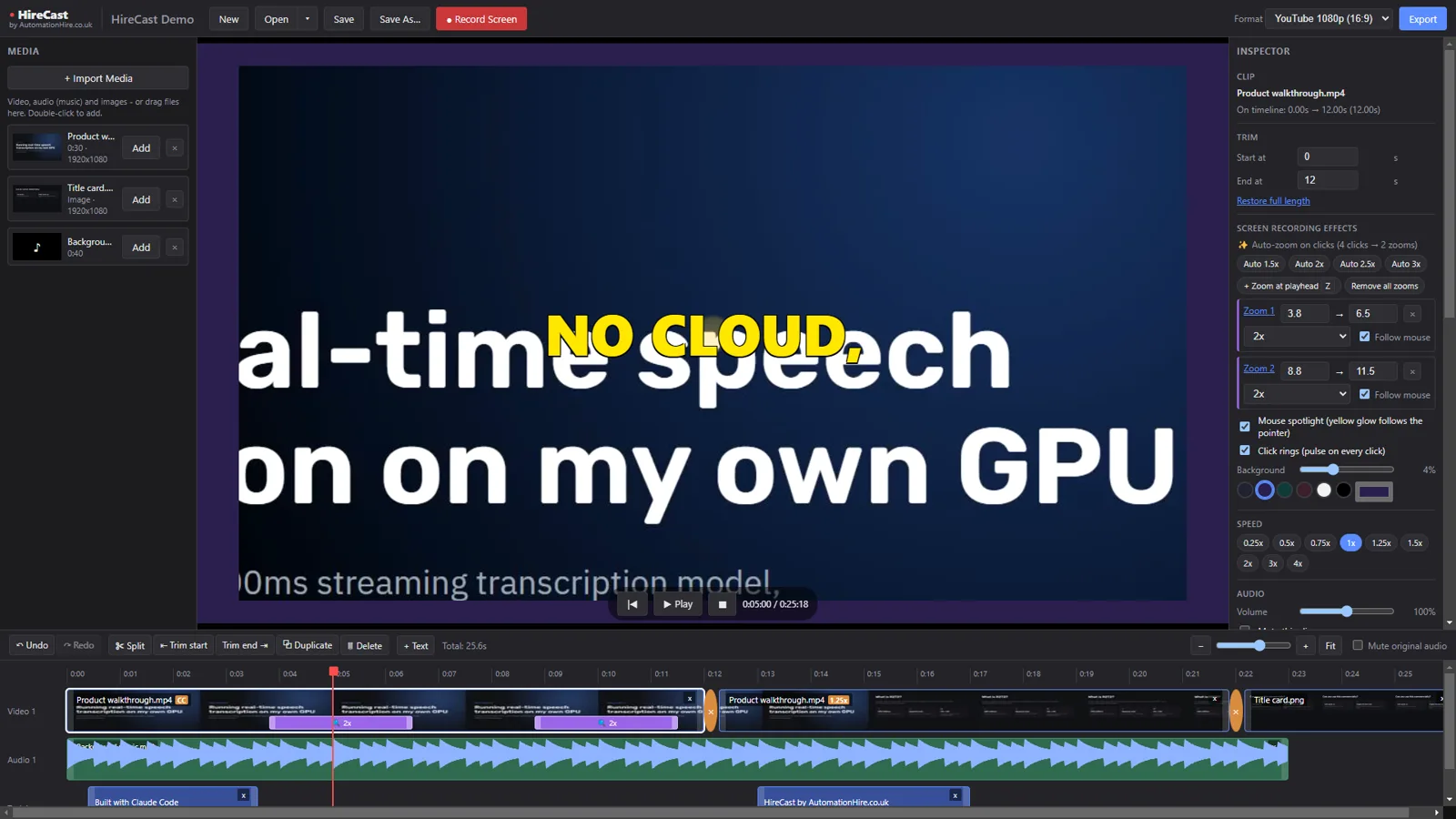
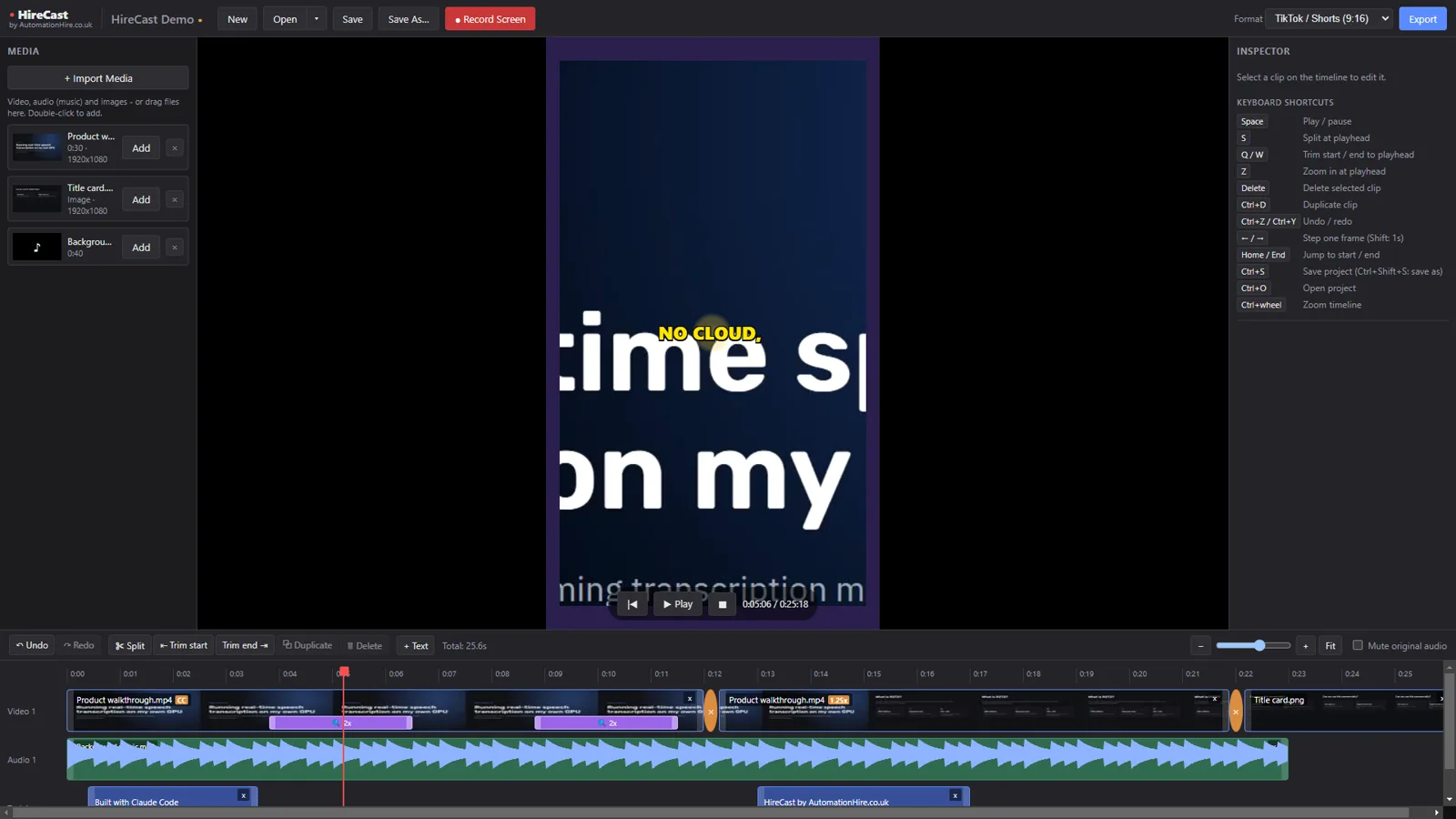
Auto-zoom on clicksSmooth zooms that follow your mouse, plus cursor spotlight and click rings
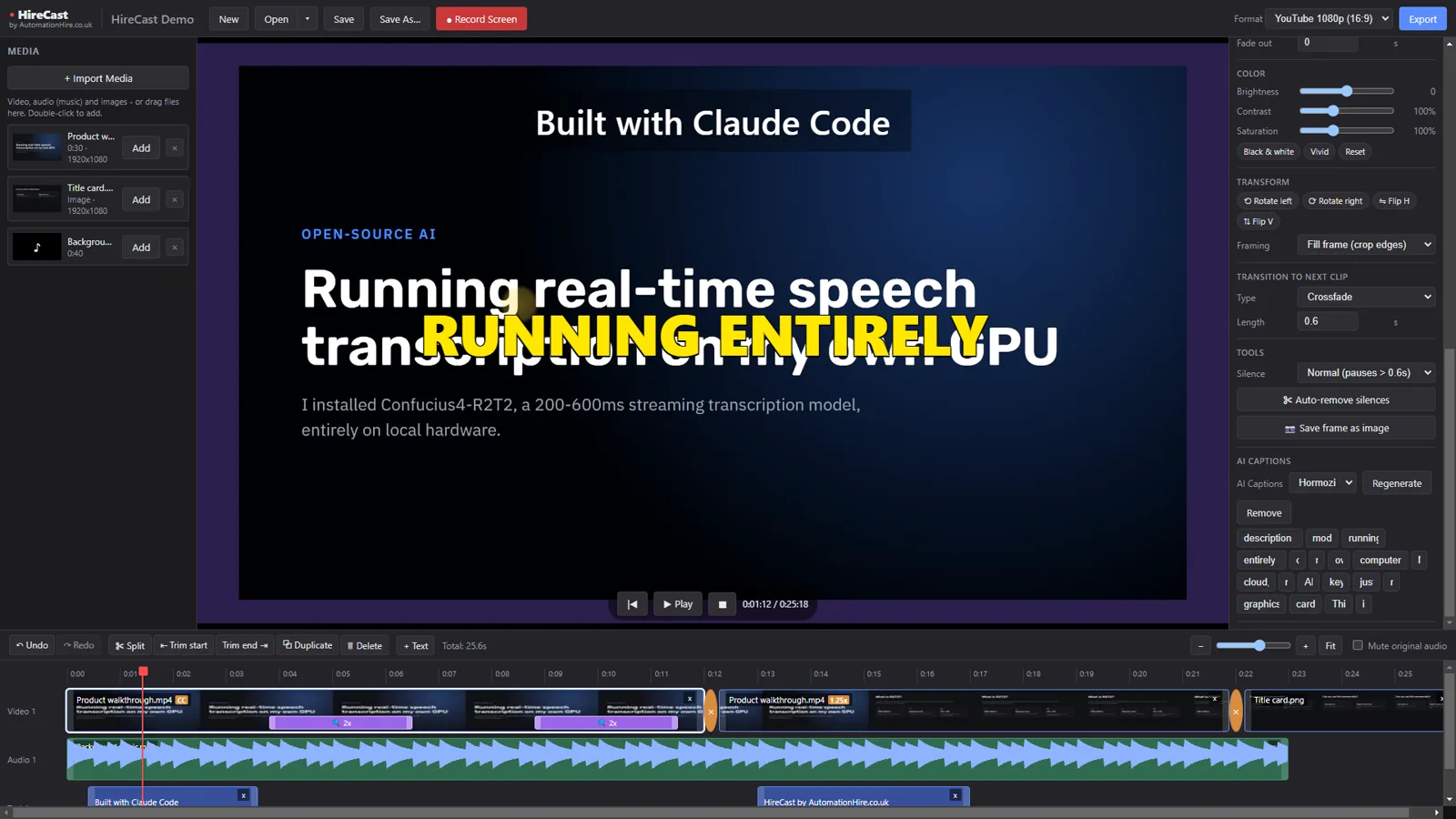
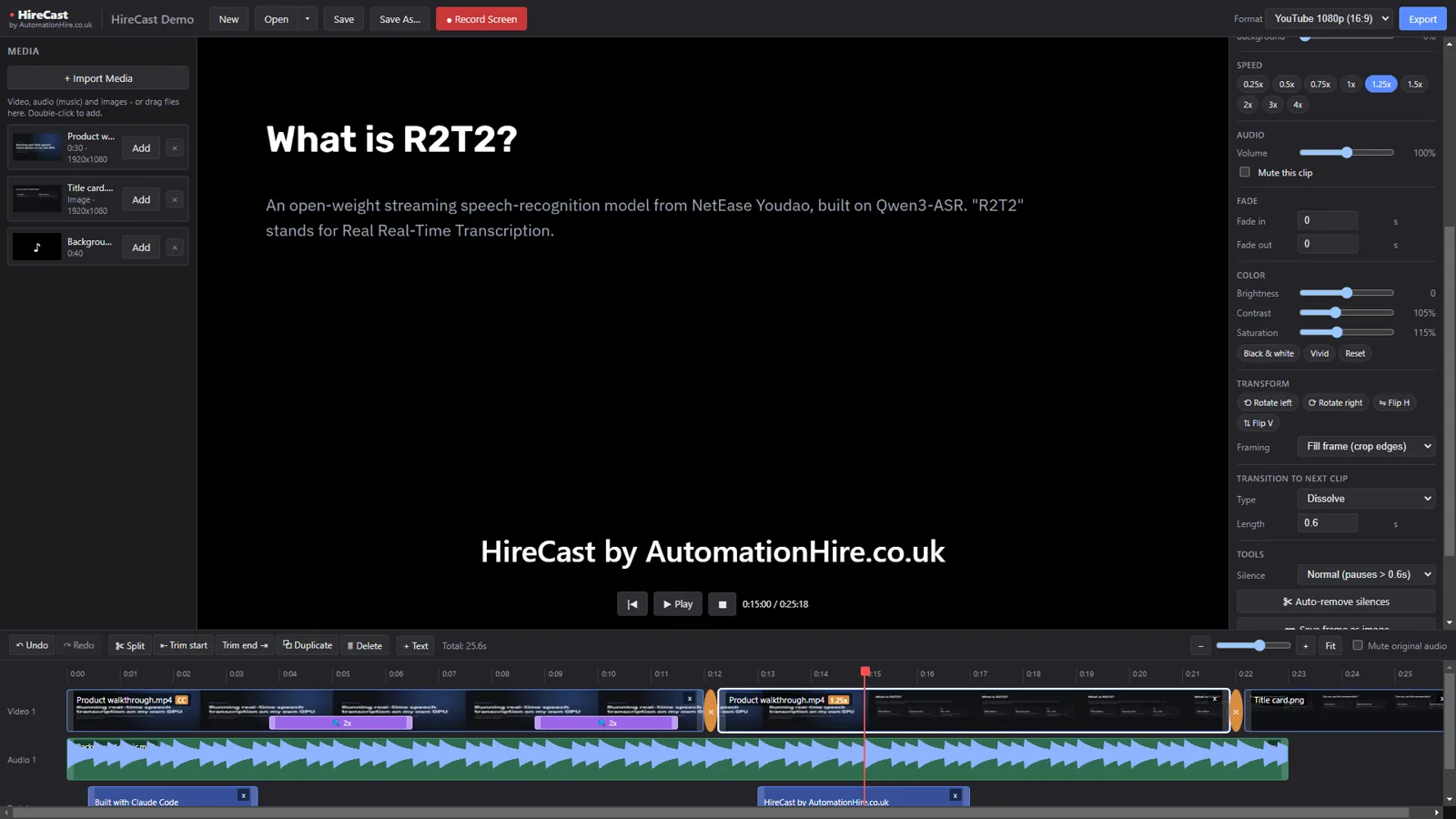
Full editorSplit, trim, reorder, speed, colour, fades, 10 transitions, undo/redo
AI captionsTranscribed on your own PC with Whisper — 6 styles, edit any word
Silence removerOne click cuts the pauses out of talking-head footage
Export anywhereYouTube 16:9, TikTok / Shorts 9:16 or square — MP4
Real footage: HireCast playing back a recording with auto-zoom, cursor spotlight and AI captions.